Adding a Subscription Link
- Open the bot and use the service management button to get your subscription link. Then copy the link.
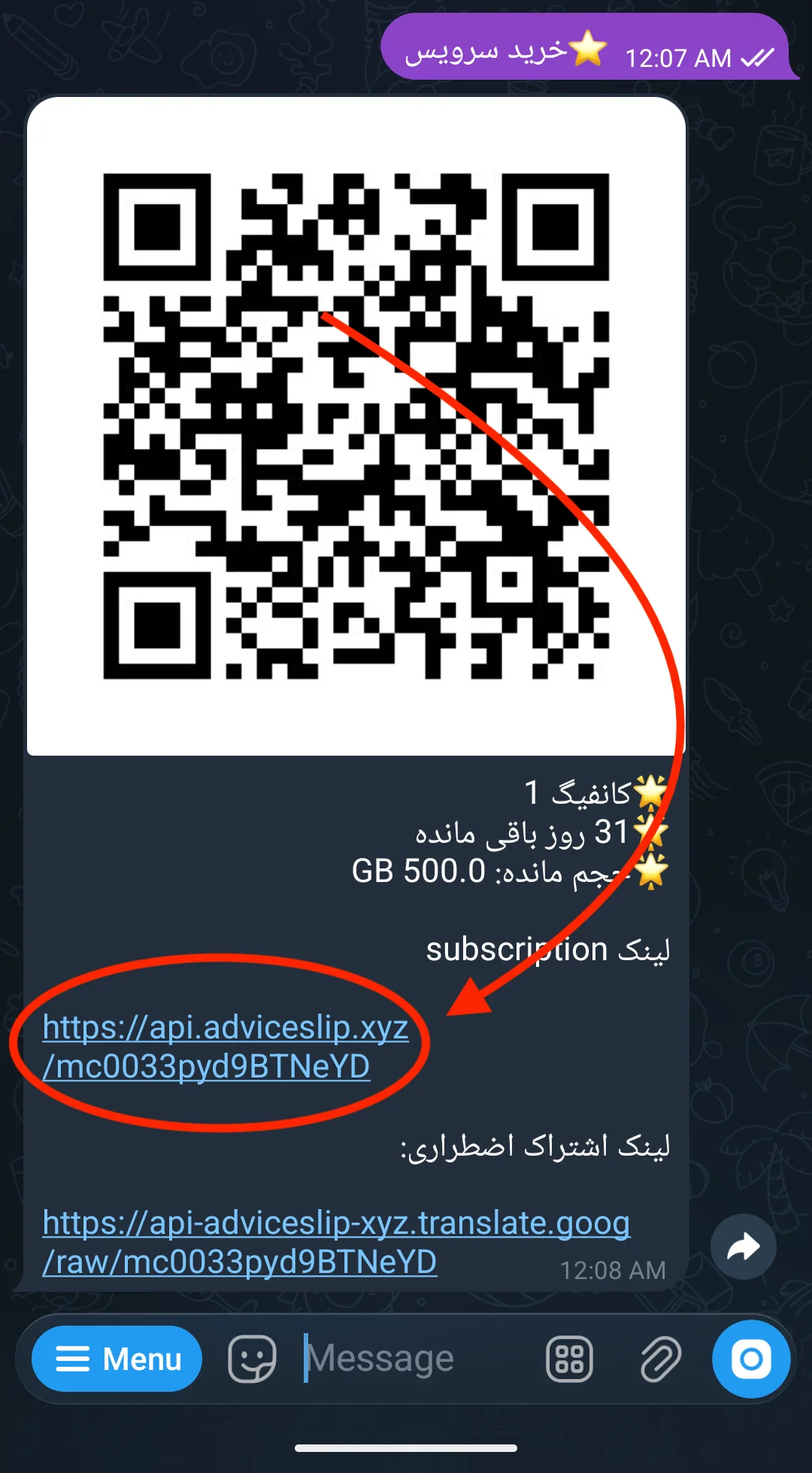
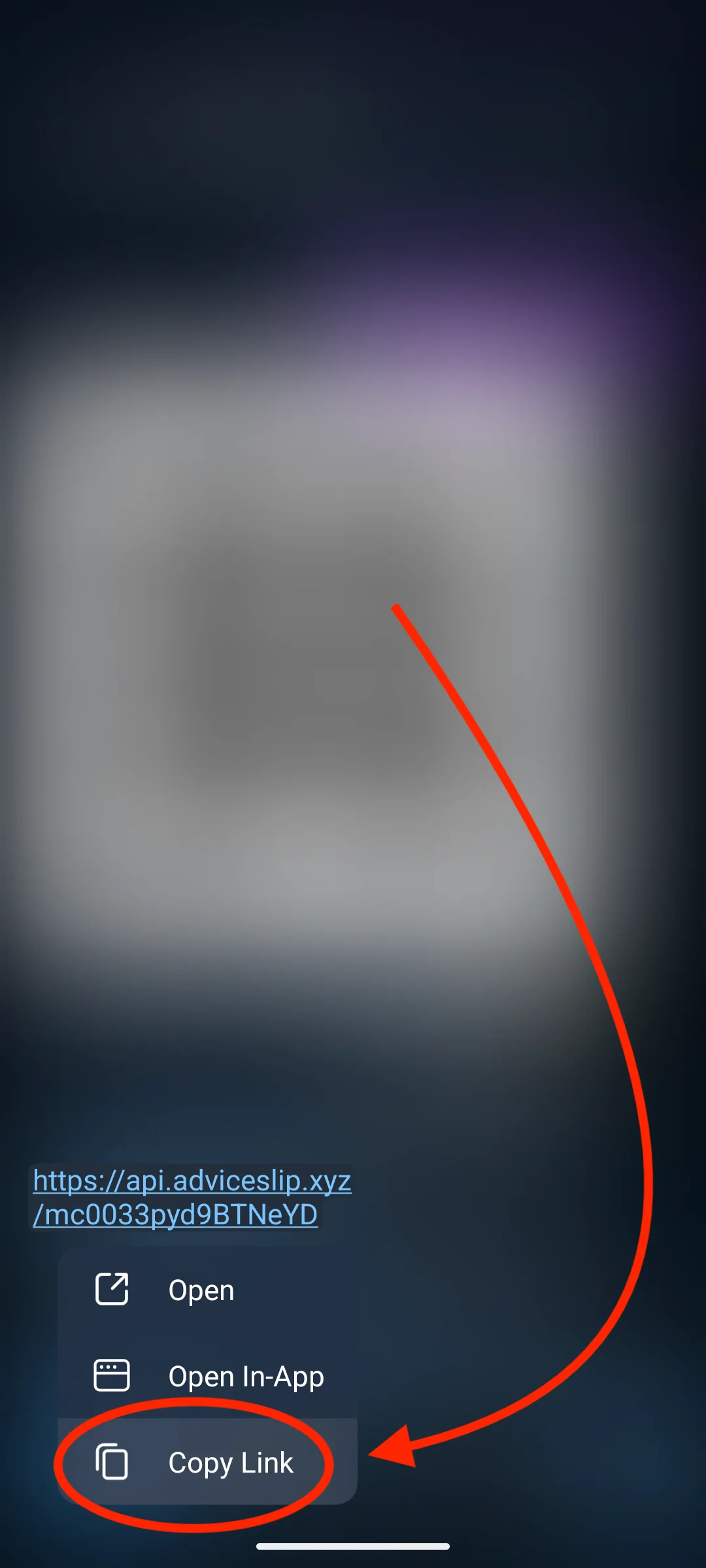
- Open v2rayNG, tap ➕, then select the second option, Import config from Clipboard.
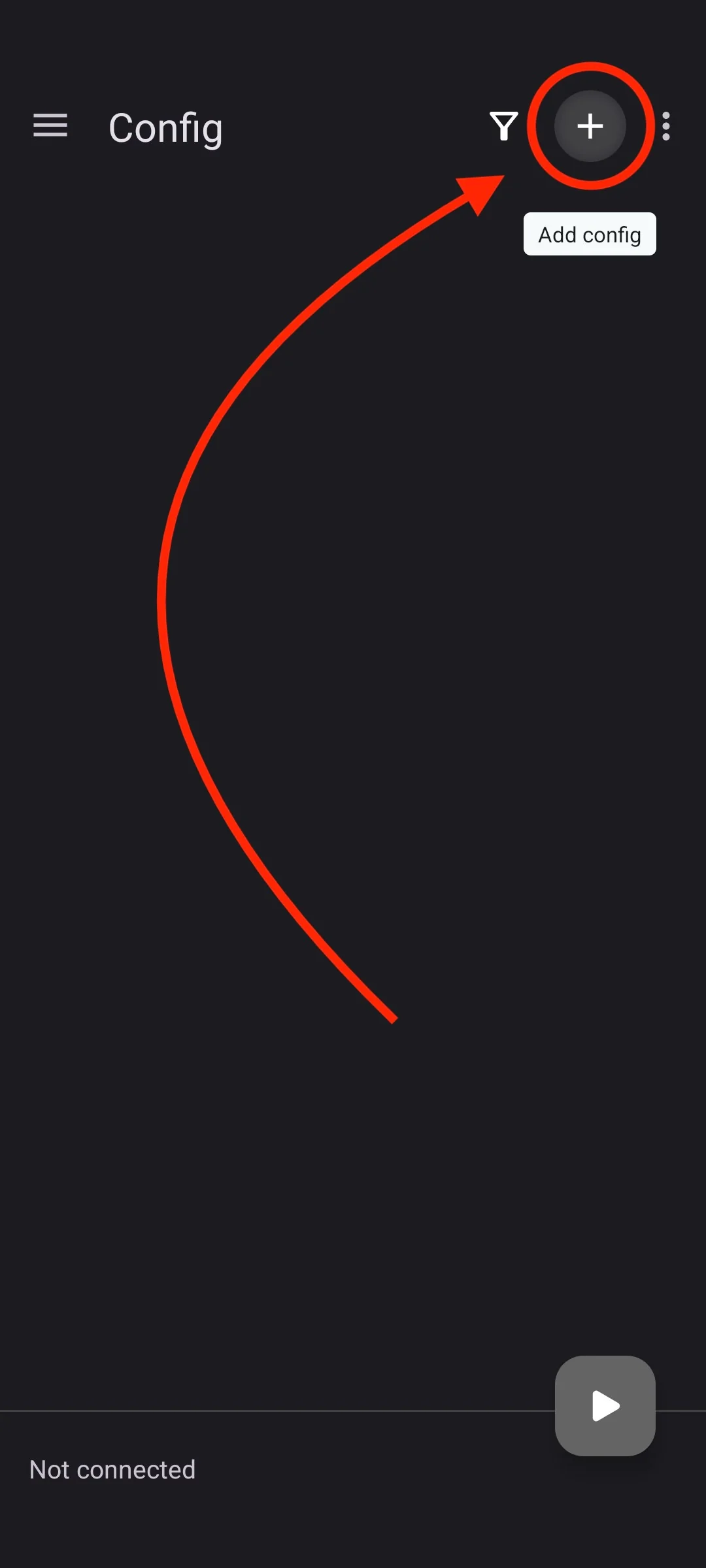
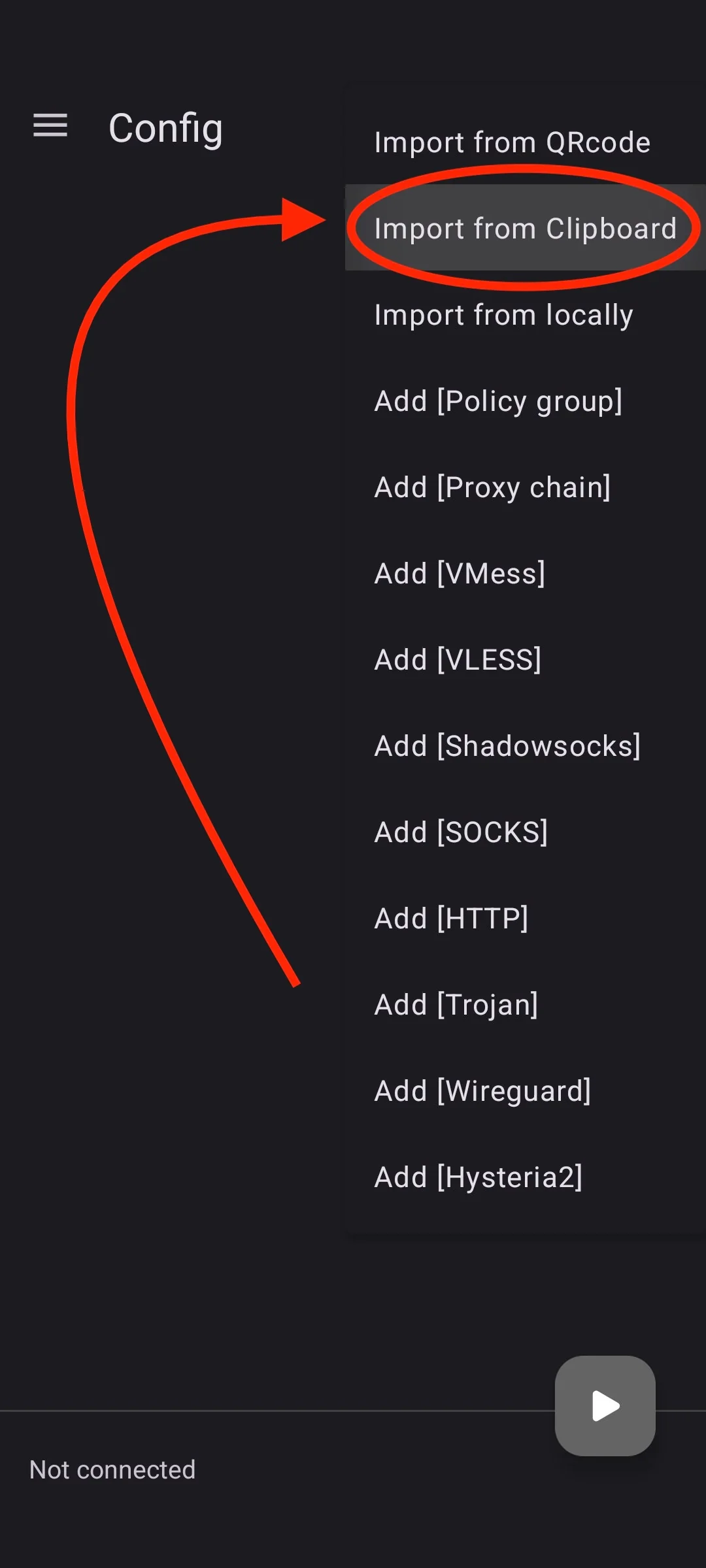
-
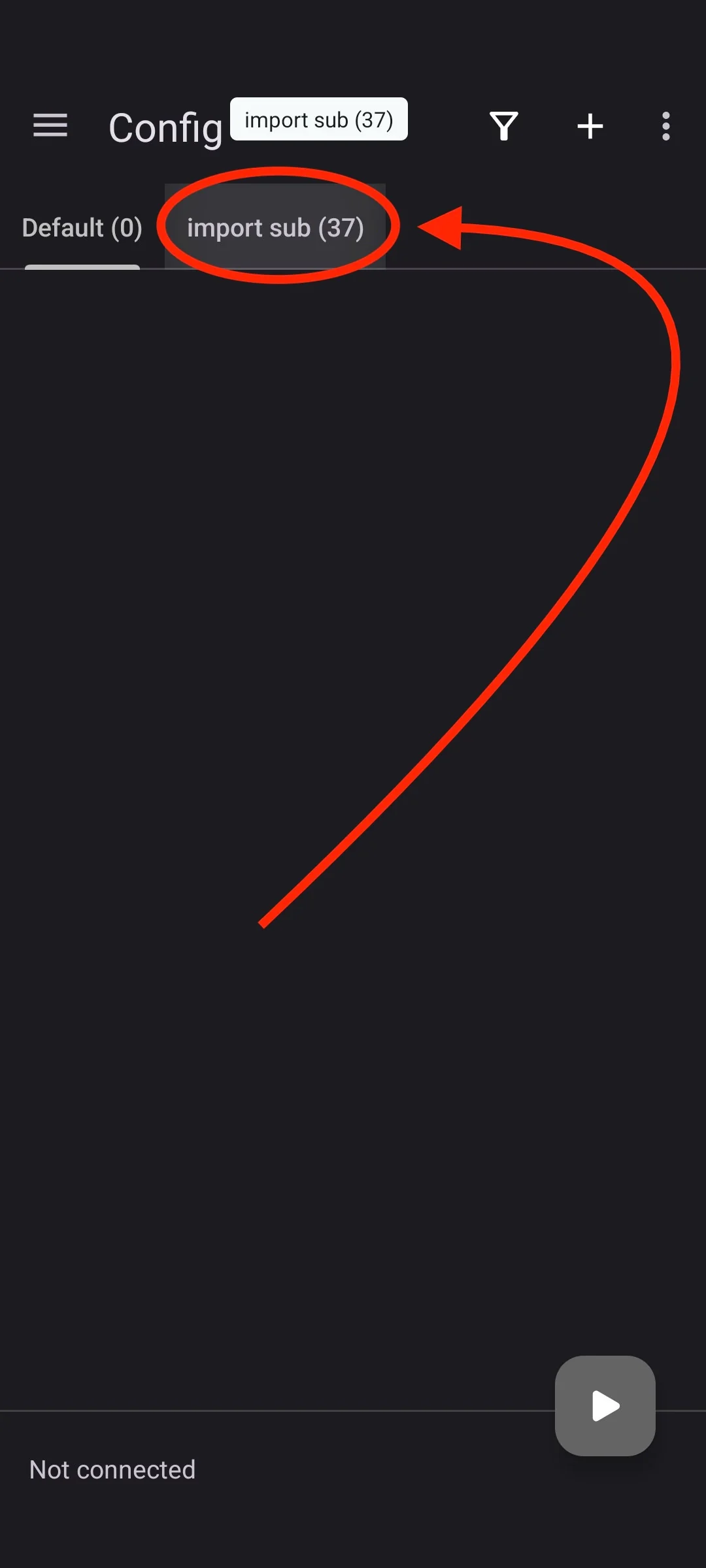
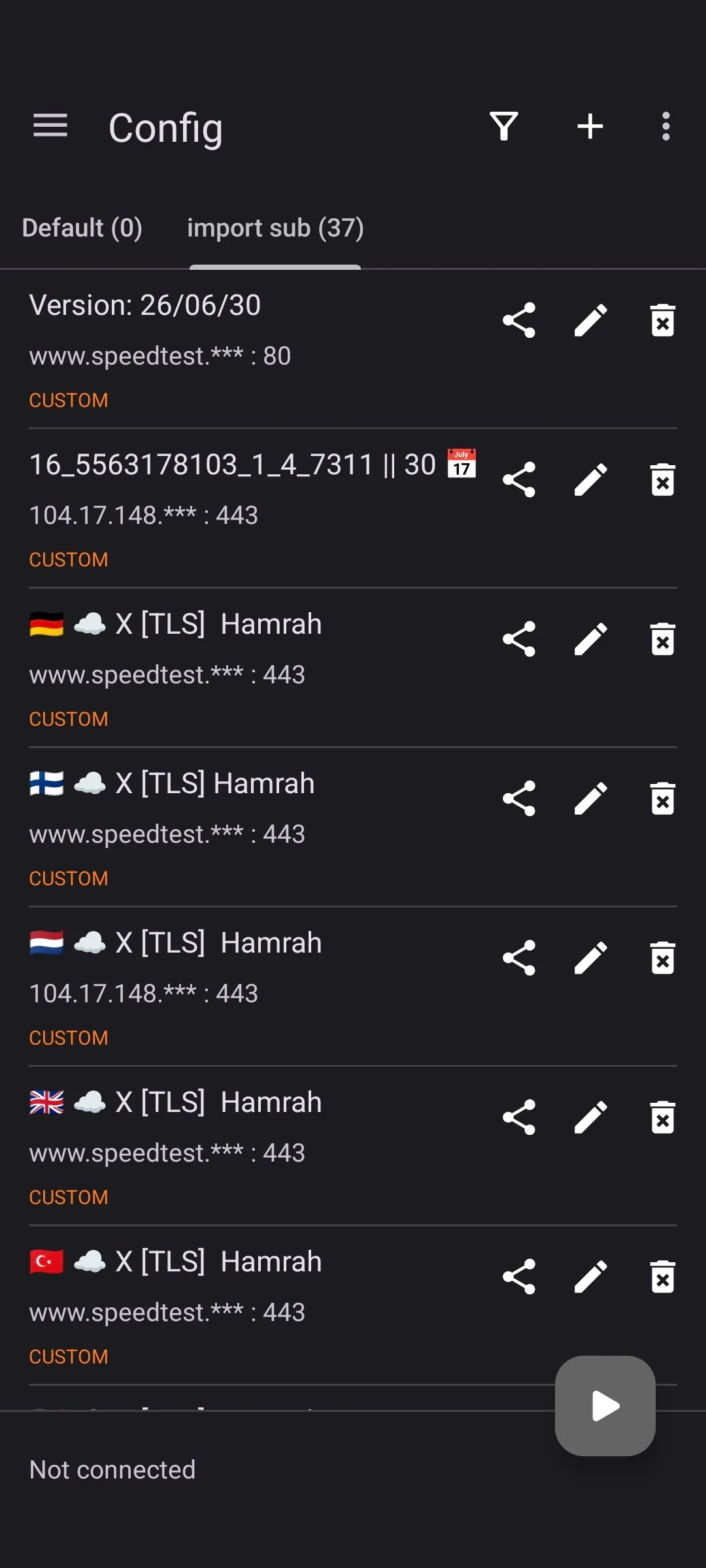
Tap import sub so the server list is shown.
-
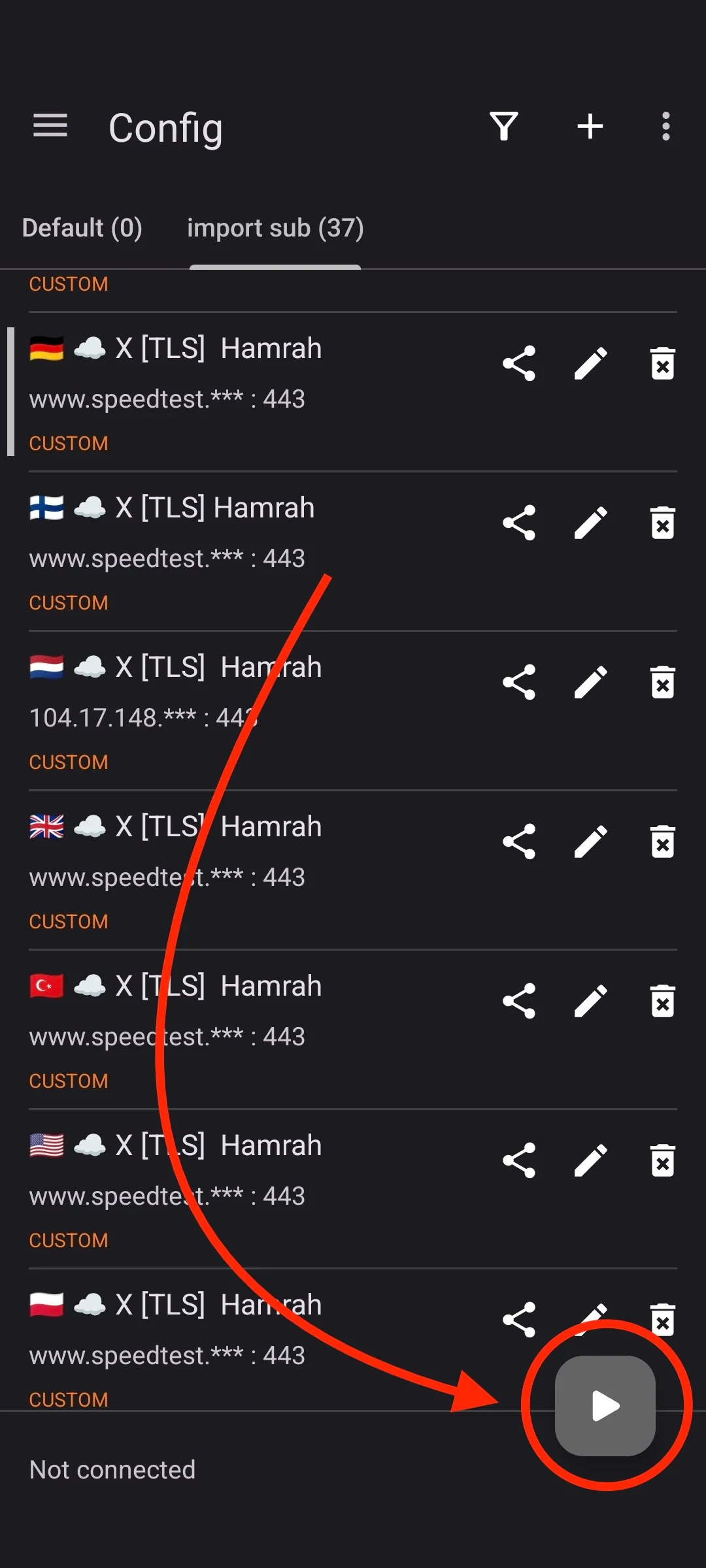
Choose a server based on your connection, then tap the button in the bottom-right corner to connect.
-
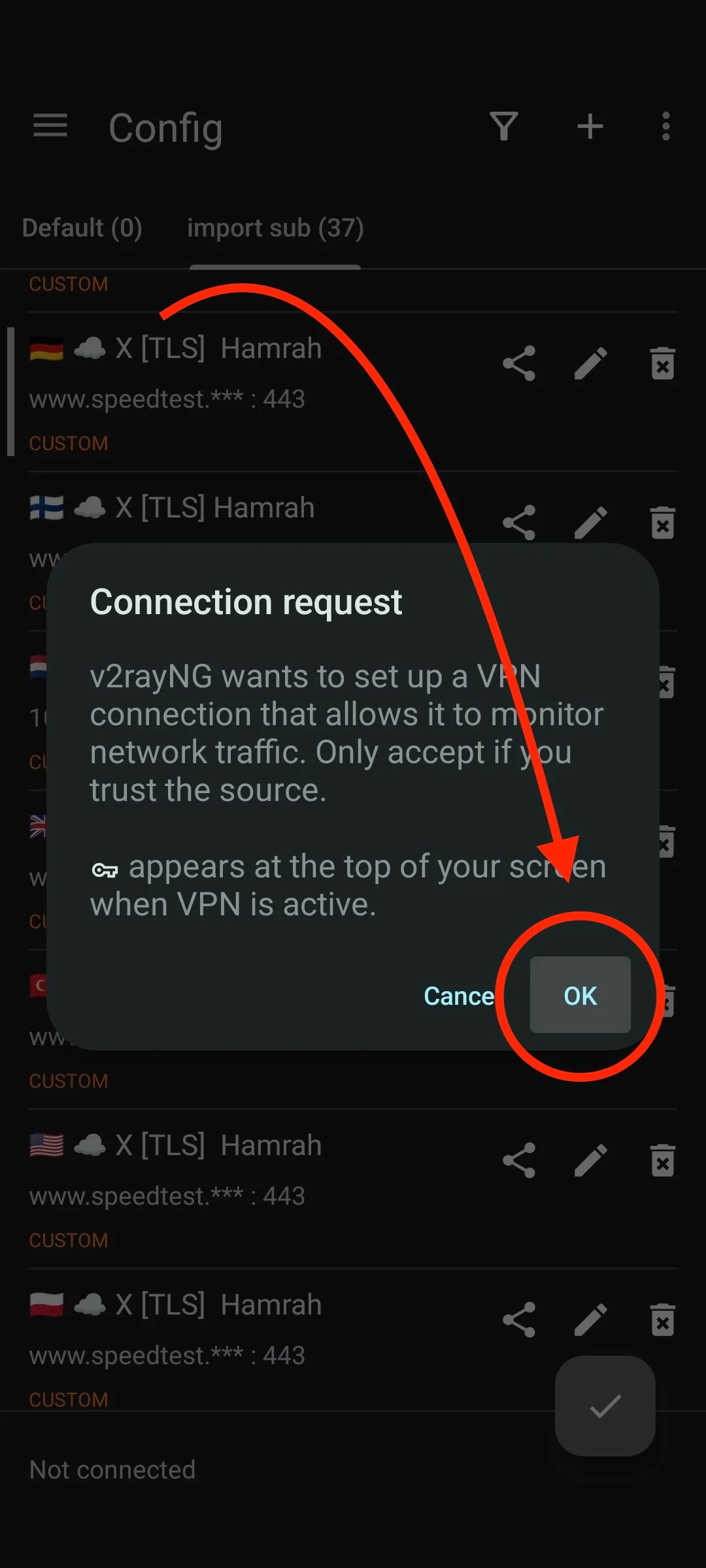
If this is your first time using the app, you may see this message. Tap OK.
-
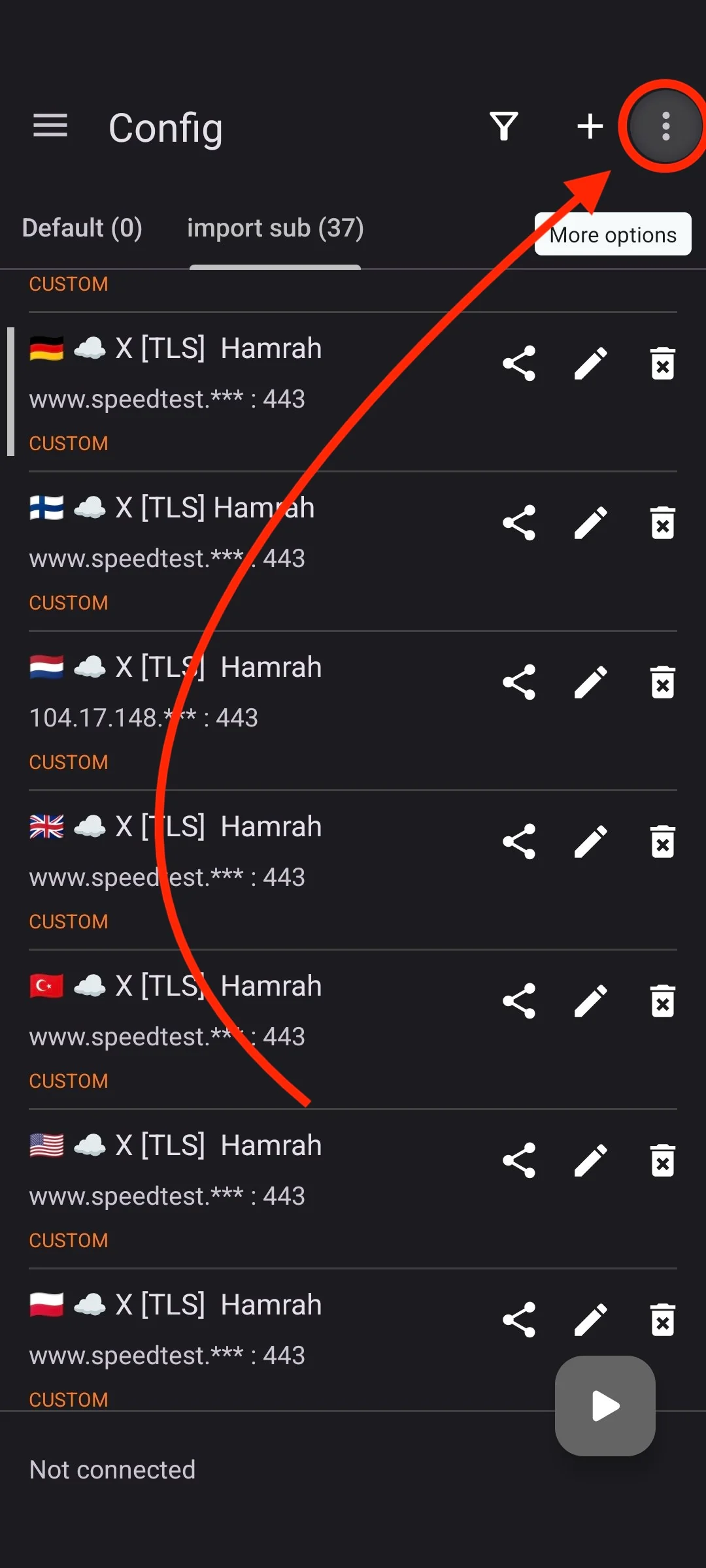
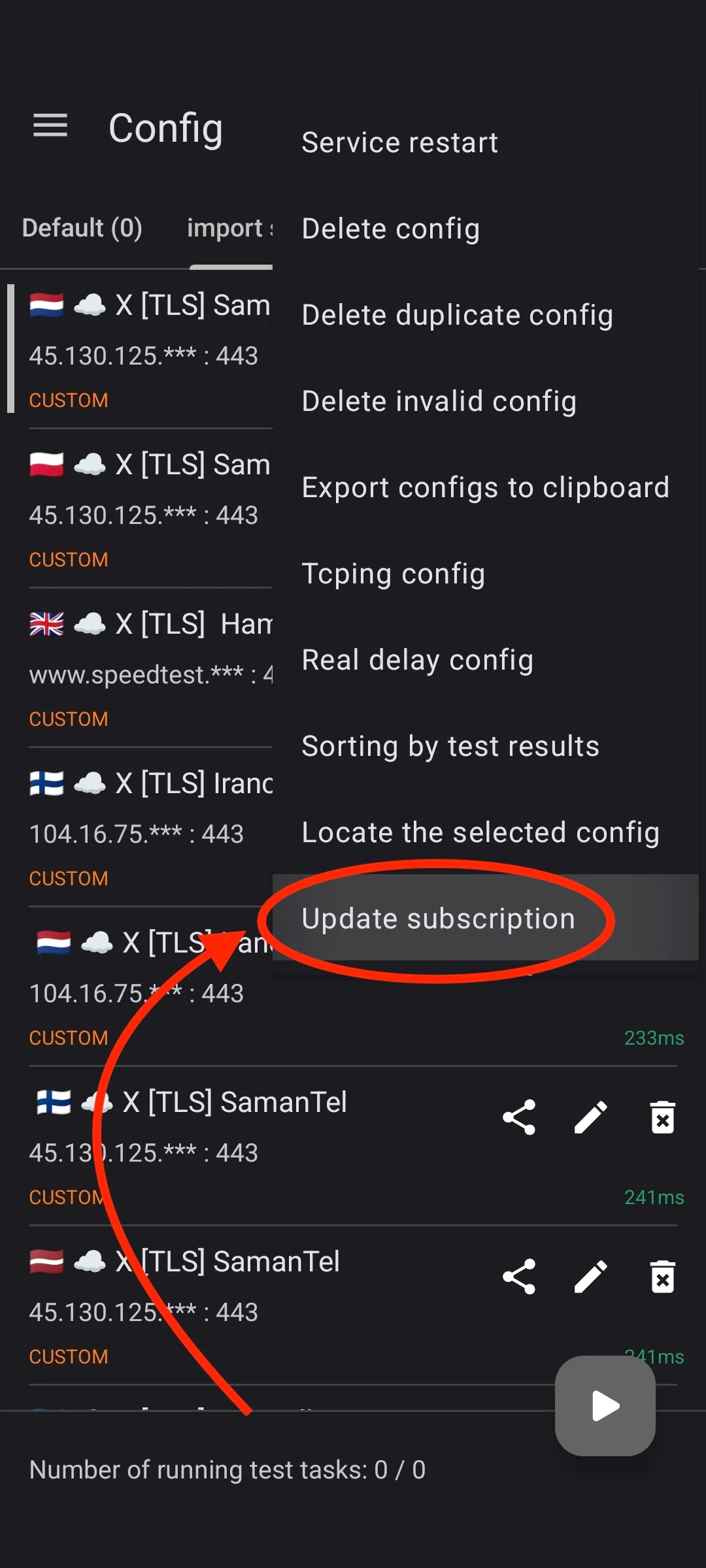
If your server list is empty, tap the three dots in the top-right corner and select Update subscription to add the servers.
⚠️ Note:
-
Do not keep another VPN connected while adding the update link.
-
Make sure your phone's time and date are set to automatic.